Providers
These are general Action Provider configuration steps using the Sendgrid and SMTP examples. Follow the steps below to add an Action Provider.
In Hydden, navigate to Configuration | Automate.
On the Providers tab, click + Add New.
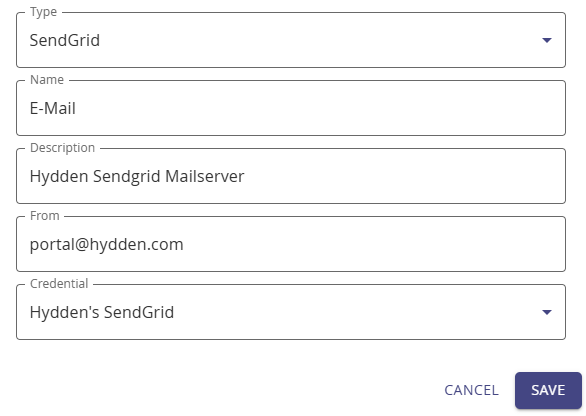
On the modal, from the Type drop-down, select either:
- SendGrid, or
- SMTP.
Give your action provider a Name and Description.
Depending on the action provider type the remaining modal fields change as shown in the table:
SendGrid SMTP From: Enter sender information, for example, portal@hydden.com. From: Enter sender information, for example, portal@hydden.com. SMTP Server: Port: Credential: From the drop-down, select a previously configured credential. Credential: From the drop-down, select a previously configured credential. Click Save.